Methods and tools for reading PDF files and extracting data from them, suitable for varying levels of difficulty.
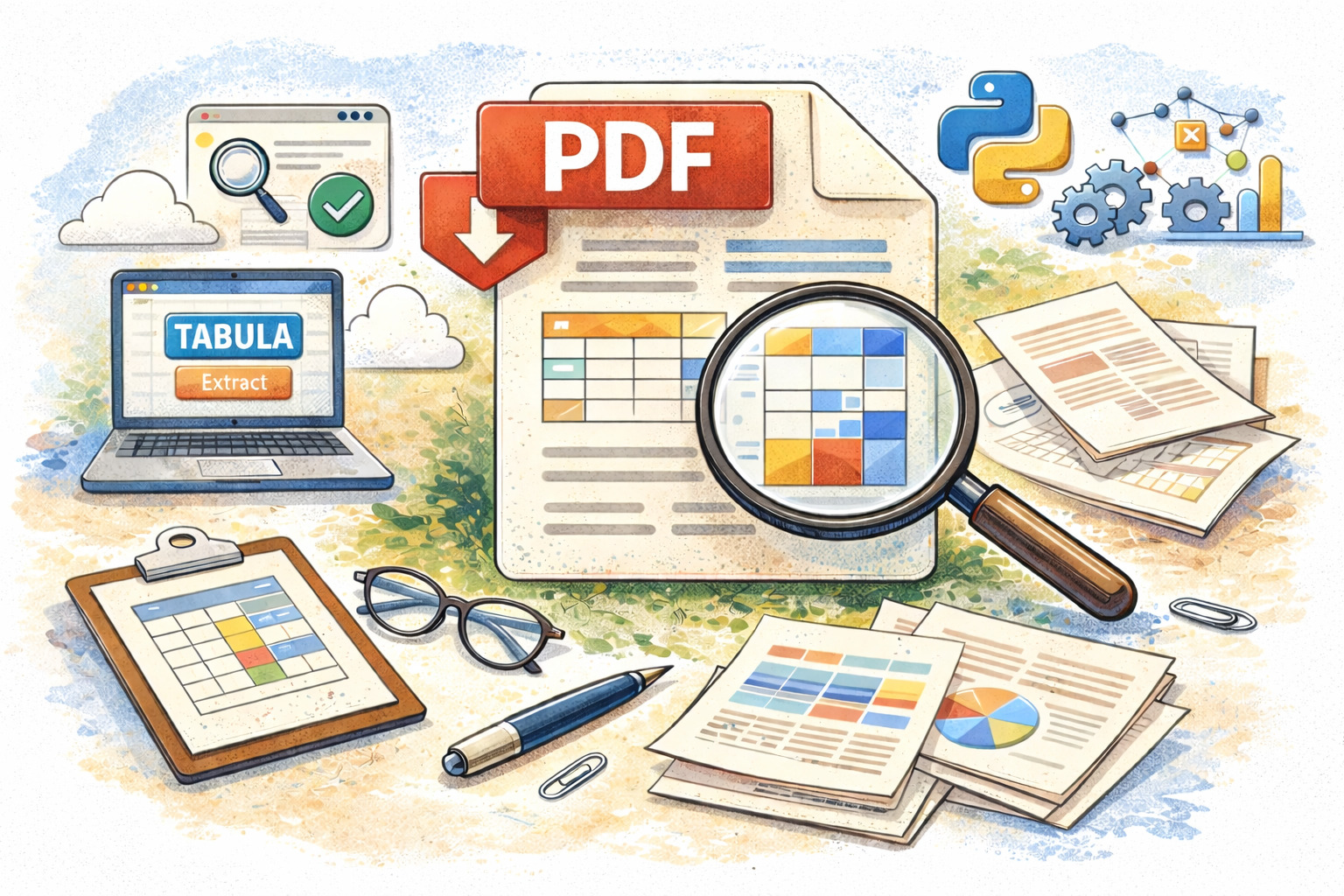
Featured image: Created with the use of ChatGPT
In the world of computational journalism, PDF files can be a headache for those trying to give structure to previously unstructured data. It’s the very ease with which PDFs can encapsulate different types of data that makes them both appealing and challenging to handle. We’ve gathered methods and tools for reading PDF files and extracting data from them, catering to various levels of difficulty.
A publicly available training on investigating AI without fear

Pulitzer Center launched a publicly available online AI program helping journalists understand technological evolution around AI.
What are pdf files?
The Portable Document Format (PDF) is a file type designed to preserve everything it contains—colors, fonts, graphics, and more—regardless of the application used to open it. Its strength lies in how easily it can be shared, opened, edited, and, especially, printed, no matter the software. In most cases, PDFs are favored for their accuracy in printing.
However, they are not easily machine-readable. Since PDFs are designed for human eyes and precise printing, computers interpret their content as independent shapes with colors positioned on a canvas according to coordinates, rather than as words or letters with semantic meaning. In other words, converting data from a PDF into another format can be challenging, and results often vary.
Despite these limitations, PDFs remain a widely used method of file storage and are the primary format for distributing government, public, and corporate documents and reports. For investigative journalists, the information contained in PDFs—texts, data tables, images—is often crucial for reporting. Extracting that information, however, can sometimes be a more demanding task than the reporting itself. In many countries and contexts, “opening data” for public institutions often just means filling the internet with PDF files.
Difficulty level: Easy
The Tabula platform
One of the easiest ways to extract information from PDF files is by using the Tabula platform to extract tables. Tabula is a data liberation tool designed to pull tables embedded in PDFs with complex structures.
It was born out of the journalism world, for the journalism world: it was created by journalist Jeremy B. Merrill and developers Mike Tigas and Manuel Aristarán, with support from ProPublica, La Nación DATA, Knight-Mozilla OpenNews, and The New York Times.
This software requires no programming knowledge and can quickly deliver results for small tables found on a single page. It’s important to note that to use the tool, you need to have the latest version of the Java programming language installed on your computer.
Once you’ve downloaded Tabula to your computer, simply open it with a double-click.
Tabula allows you to upload an entire document to the platform and then select the specific table you want. Its use is straightforward and presented in simple steps by the software itself:
- Upload a PDF file containing a data table.
- Navigate to the page you want and select the table by clicking and dragging to draw a box around it. It helps to leave enough margin around the table you’re interested in.
- Click “Preview & Export Extracted Data.” Tabula will attempt to extract the data and display a preview. Check the data to make sure it looks correct. If any data is missing, you can go back and adjust your selection.
- Click the “Export” button.
The data is saved to your computer as a Comma-Separated Values (CSV) file, which can be easily read in spreadsheet programs.
Difficulty level: Medium
The pdftotext and tabula Python libraries
Here, some familiarity with programming principles is necessary in order to use the following methods.
The easiest way to extract data is through tools that use your computer’s terminal to convert an entire PDF file into plain text (.txt). For example, pdftotext is a simple Python library that can extract portions of text with just a few lines of code.
In this Google Colab notebook we demonstrate ways to extract text from PDFs using the pdftotext library.
Google Colab is a cloud-based code development environment similar to Jupyter Notebooks. Both platforms function like interactive notebooks—that is, interactive documents containing organized, executable cells that support different types of content. One cell can contain text, another can include Python code, and a third can display a visualization you created from a data table you just processed—all within a single shared document.
If you are familiar with coding and want to test your skills, Tabula is also available as a Python library, allowing data extraction directly through code.
In this Google Colab notebook you can see a simple table extraction in CSV format.
By using other Python libraries, such as pandas, you can process even the most machine-unfriendly data.
Difficulty level: (More) Advanced
The natural-pdf Python library
natural-pdf is a library created by Jonathan Soma, John S. and James L. Knight Professor of Professional Practice in Data Journalism at the Columbia Journalism School in New York. The natural-pdf library, which evolved from pdfplumber—developed by Jeremy Singer-Vine, the data editor at The New York Times—enables more advanced, natural extraction of data from PDF files.
In this Google Colab notebook you can find ways to extract text and tables from PDF files.
However, this library can do much more, and you can find the full guide here.